
Add a subscription from the page in front of you.
Click the Cashrou icon on a receipt or a checkout page and it reads that page for you, so the merchant, the amount and the billing cycle arrive filled in rather than typed.
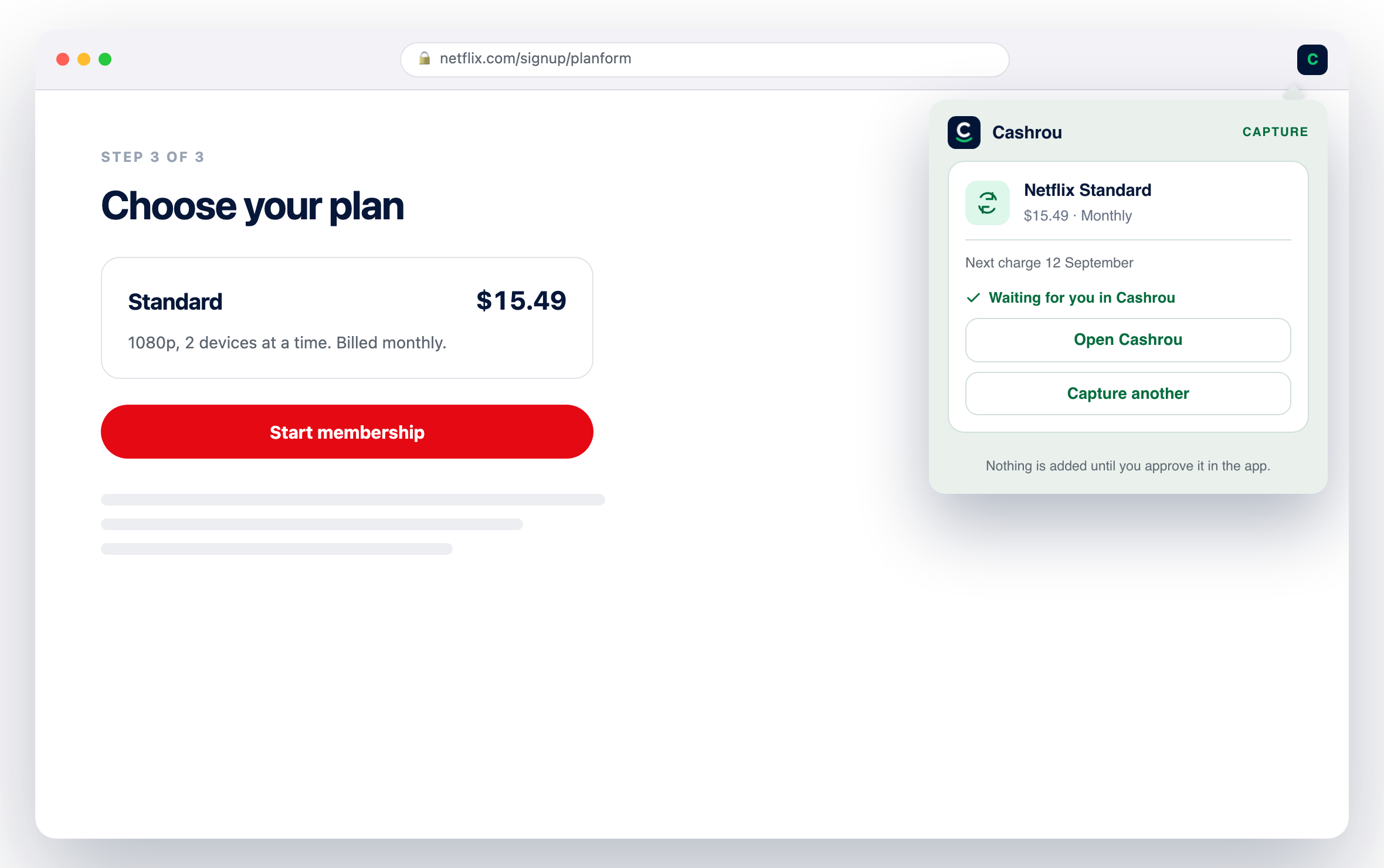
The reason your subscription list is wrong is that nobody opens a finance app while buying something. This is one click in the browser you are already in.
Reads the page you are on
Merchant, price and billing cycle are read off the page in front of you, so a subscription is two clicks rather than five fields.
Nothing is watching
It reads one page: the one you were on when you clicked. No background process, no browsing history, and no page read because you happened to visit it.
Waiting for you, not filed
It lands in a list of captures waiting for approval. Nothing reaches your subscriptions, or your Safe to Use figure, until you say so.
Your own session, nothing new
It uses the session you already have in the web app. It never sees a password, never creates a sign-in, and signing out of the web app ends its access.
What it does, in order.
Four steps, and two of them are clicks.
The specifics
The extension is on the Chrome Web Store, and it is a convenience rather than a requirement: everything it captures can be added by hand in the web app in about the same number of fields.
See it against your own numbers.
Seven days free on iPhone and iPad. $6.99 a month or $49.99 a year after that.