
Share a receipt, get a subscription.
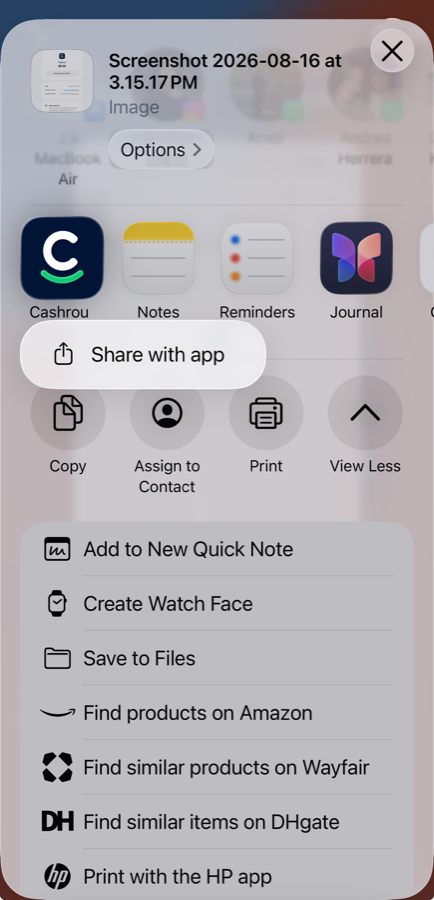
Share a screenshot or a photo of a receipt to Cashrou from anywhere in iOS. Your phone reads the text off it, and the merchant, the amount and the renewal date arrive filled in.
Typing a subscription into an app takes forty seconds, which is exactly forty seconds more than anyone will spend on it.
A picture of a receipt
A screenshot of an App Store receipt or a bank notification, or a photo of a paper invoice. One image at a time, and if the numbers are legible it works.
From the share sheet
No need to open Cashrou. Share the image to it from Photos, or from wherever you are looking at it.
The picture never leaves your phone
Your iPhone reads the text off it on the device, and only that text is sent. Anything shaped like a full account number is stripped out before it goes.
Yours to approve
Merchant, amount, billing cycle and next charge date come back filled in, and wait for you to confirm them into a real subscription.
Four steps, none of them typing.
Long enough to be sure it read the receipt correctly, and no longer.
The specifics
The share extension is on iPhone and iPad. Without it, a subscription is added by hand in about the same number of fields.
See it against your own numbers.
Seven days free on iPhone and iPad. $6.99 a month or $49.99 a year after that.