
Record the activity you actually have
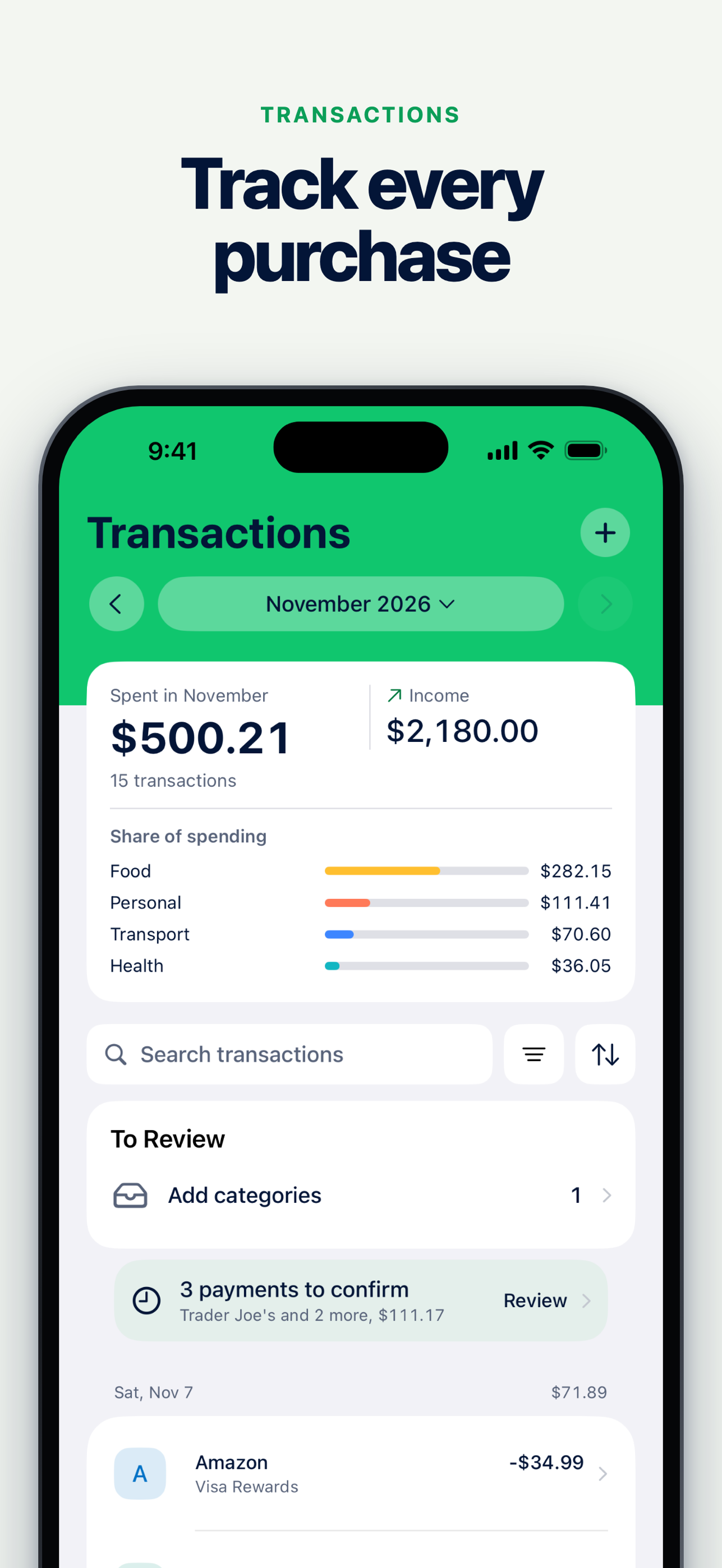
Transactions contains the activity you type and the activity brought in through supported import connections. Each row has its own amount, date and account. Review and categorize the record without treating it as proof that a separate planned obligation is complete.
Bank availability depends on the supported country, connection and plan. Manual entry remains a separate way to keep records. Verify the current connection scope before deciding which route to use.
Let the plan keep its own answer
Payday starts from the balance you have confirmed and the obligations in that period. Record progress in the worksheet when an item has happened. The bank's figure can be a reference; it does not silently replace the number you confirmed.
A recurring Payday tick changes the plan's progress. It does not create a second transaction. An imported transaction remains a transaction rather than an instruction to mark a recurring plan line paid.
Bring a one-time event into Payday deliberately
Sometimes a one-time income, expense or internal transfer belongs in the current payday exercise. The explicit Add to Payday path makes that choice visible.
An internal transfer changes where money sits. It does not create new income across your accounts. A fee attached to a transfer is a separate cost. Keeping those meanings clear prevents the same money from being counted twice.
Review spending by its recorded category
Use the recorded activity when reviewing spending and budget categories. A recurring expense you have planned for the future is not already recorded spending just because it is on the worksheet.
If the figures differ, check their scope and dates before changing a balance. A plan for the next pay period, a record for the current calendar month and a balance confirmed today answer different questions.
Keep control of what gets connected
Use the supported import route only when its coverage and permissions fit your needs. Cashrou's current bank-connection page explains the published scope. Connection availability should never be inferred from a generic claim that an app works everywhere.
For the plan itself, start with the confirmed amount you hold. For the activity record, keep the transactions that actually belong to the account and period. Neither view needs to impersonate the other.
Related links: Paycheck planner, Cashflow, Budgeting-app safety.