
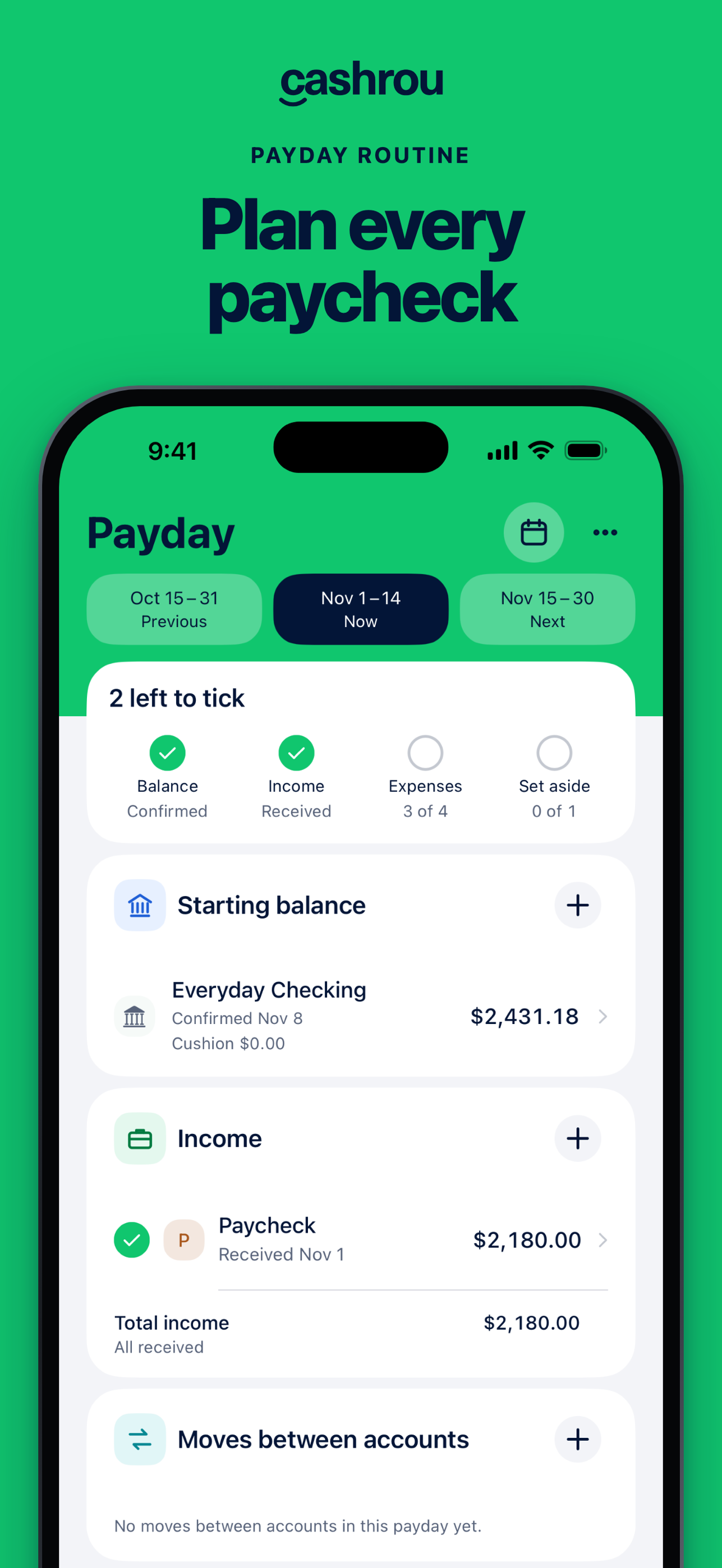
Start with a confirmed balance
The balance you confirm is the starting point for your worksheet. Keep its date and what it already includes clear. If a payment happened before that confirmation, its cash effect may already be in the figure.
For a fictional example, you confirm USD 700 after a USD 100 utility payment. Starting at USD 700 and deducting that same completed payment again would count it twice. The transaction remains useful history even though it is not another future deduction.
Keep recurring plan progress deliberate
A recurring Payday line represents the commitment you are working through. A transaction with a similar amount is not proof that this particular line is complete. Cashrou does not use an imported bank row to automatically tick that recurring item or overwrite your starting figure.
Confirm worksheet progress deliberately. A tick is part of the plan's workflow; it is not a request for Cashrou to send money. Check the actual provider or account when you need evidence that a payment happened.
Bring a one-time event across explicitly
The supported Add to Payday action lets an eligible one-time income, expense or transfer be brought into the current worksheet deliberately. Review whether its effect is already included in the balance before adding it.
A transfer between your own accounts changes location. A fee is a separate cost. Keep those meanings intact instead of labelling every incoming row income or every outgoing row ordinary spending.
Read each view for its own purpose
Use Transactions to review recorded activity and categories. Use the paycheck planner for money still needed before the next deposit. Use accounts to understand what is held and expenses for upcoming commitments.
The views do not need identical totals to be correct. They need a clear explanation of timing, inclusion and purpose. If a difference is unresolved, check the source records before inventing an adjustment.